



Description
Download Leawo HD Video Converter – video converter, HD video, 3D video, convert video, video editing, video tool, multimedia tool, movie converter, format conversion, video utility
Overview
Leawo HD Video Converter is a dedicated multimedia utility designed to meet the demands of users seeking high-quality video conversion and formatting flexibility. The application enables the transformation of high-definition video content into multiple compatible formats, ensuring seamless playback across a variety of devices. Its primary purpose is to eliminate format incompatibility issues that often hinder media playback on smartphones, tablets, gaming consoles, and smart TVs. The tool is particularly useful for individuals managing personal video libraries or professionals requiring consistent output quality across different platforms.
Target users include content creators, home media enthusiasts, and digital archivists who frequently work with HD and 3D video files. The software supports a wide range of input formats such as AVCHD, MOD, MTS, and M2TS, making it suitable for users working with camcorder recordings, Blu-ray rips, or digital camera footage. It also facilitates 3D video conversion, enhancing the immersive experience for users with compatible displays. This functionality positions Leawo HD Video Converter as a valuable asset in the digital entertainment ecosystem, bridging the gap between source media and playback devices.
Developed by Leawo Software, the application has been available since 2012, indicating a long-standing presence in the video conversion market. Although the developer did not provide additional technical details, the consistent release of updates suggests ongoing support and refinement. The software plays a critical role in modern media workflows by enabling format standardization and content customization.
Key Features & Functionality
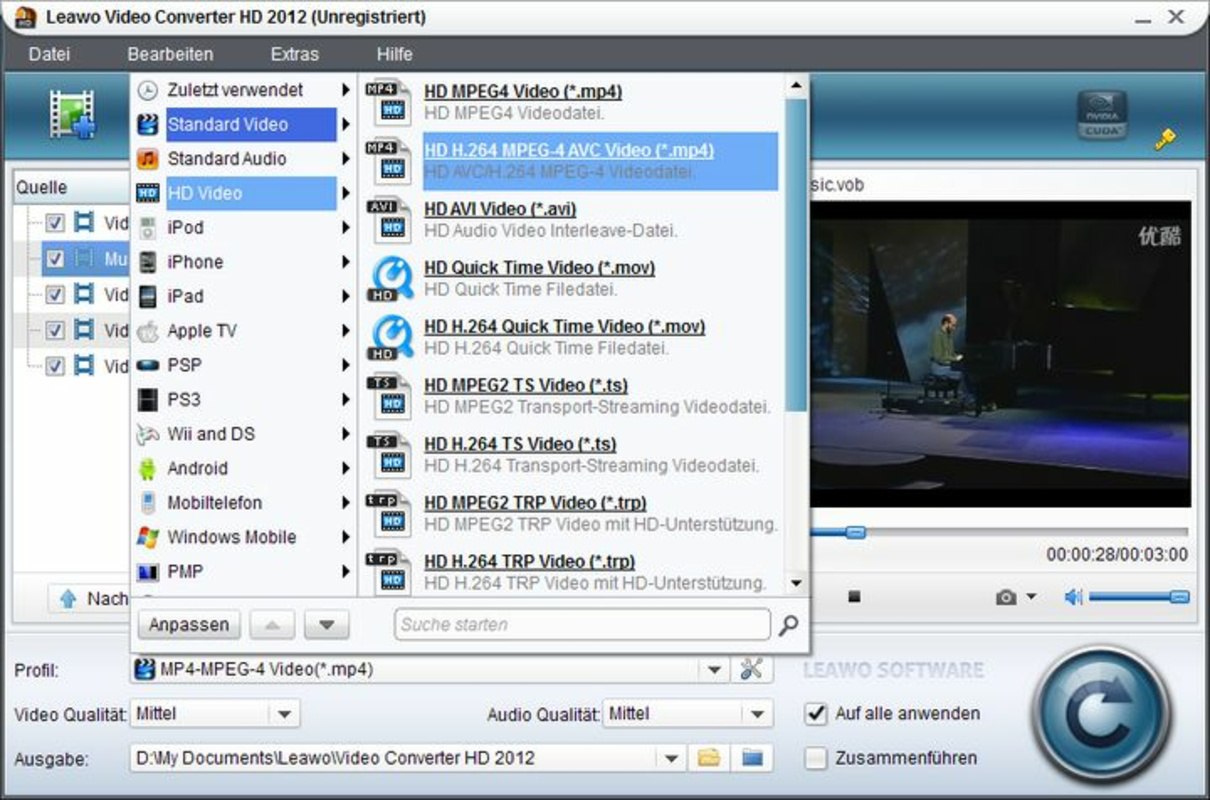
- Multiple Format Support: Leawo HD Video Converter allows users to convert HD videos into widely supported formats such as MP4, AVI, MOV, and MKV. This ensures compatibility with devices like iPhone, iPad, Android smartphones, and various media players. For example, a user can convert a Blu-ray rip into an MP4 file optimized for mobile playback.
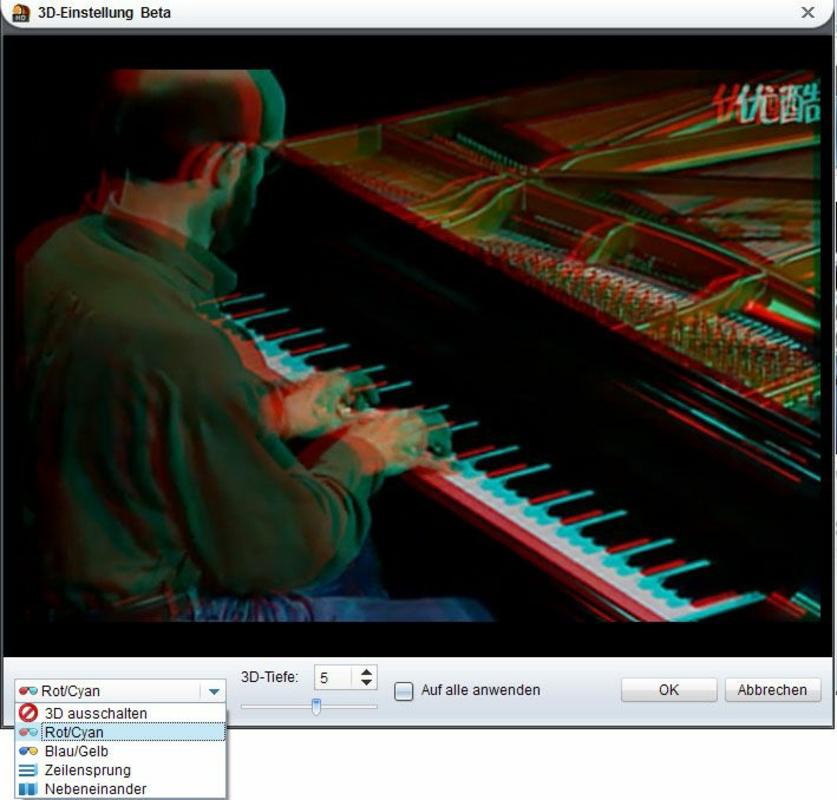
- 3D Video Conversion: The software enables conversion of standard 2D HD videos into 3D formats, ideal for users with 3D-capable televisions or projectors. This feature enhances cinematic viewing by adding depth and realism to the content, making it suitable for home theater setups.
- Aspect Ratio Adjustment: Users can modify the aspect ratio of their videos to 16:9 or 16:10 to match their display settings. This prevents letterboxing or stretching, ensuring optimal visual presentation on widescreen monitors and TVs.
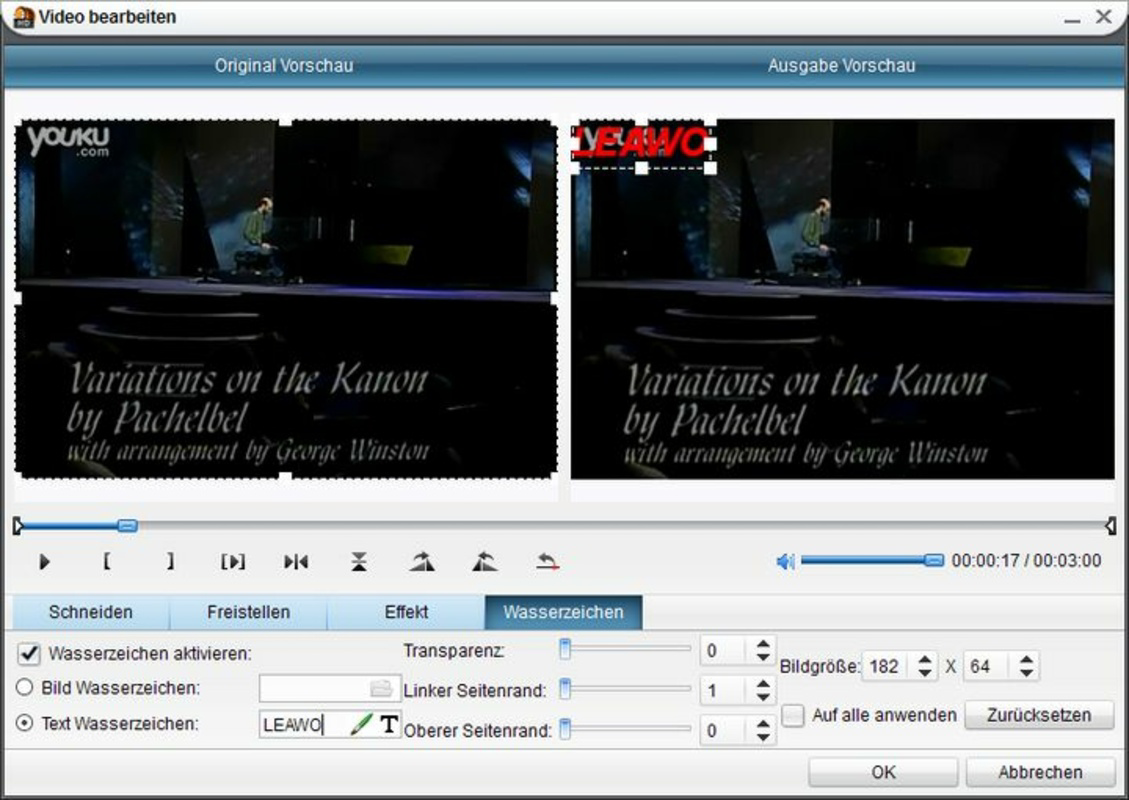
- Custom Watermarking: The tool allows the addition of personalized watermarks, including logos or custom text, to protect intellectual property or brand content. This is particularly useful for creators distributing videos online or via social media.
- High-Quality Output: Leawo HD Video Converter is engineered to preserve the original resolution and clarity of source files during conversion. This ensures that output videos retain sharpness and color fidelity, making them suitable for both personal viewing and professional use.
Interface, UX & Performance
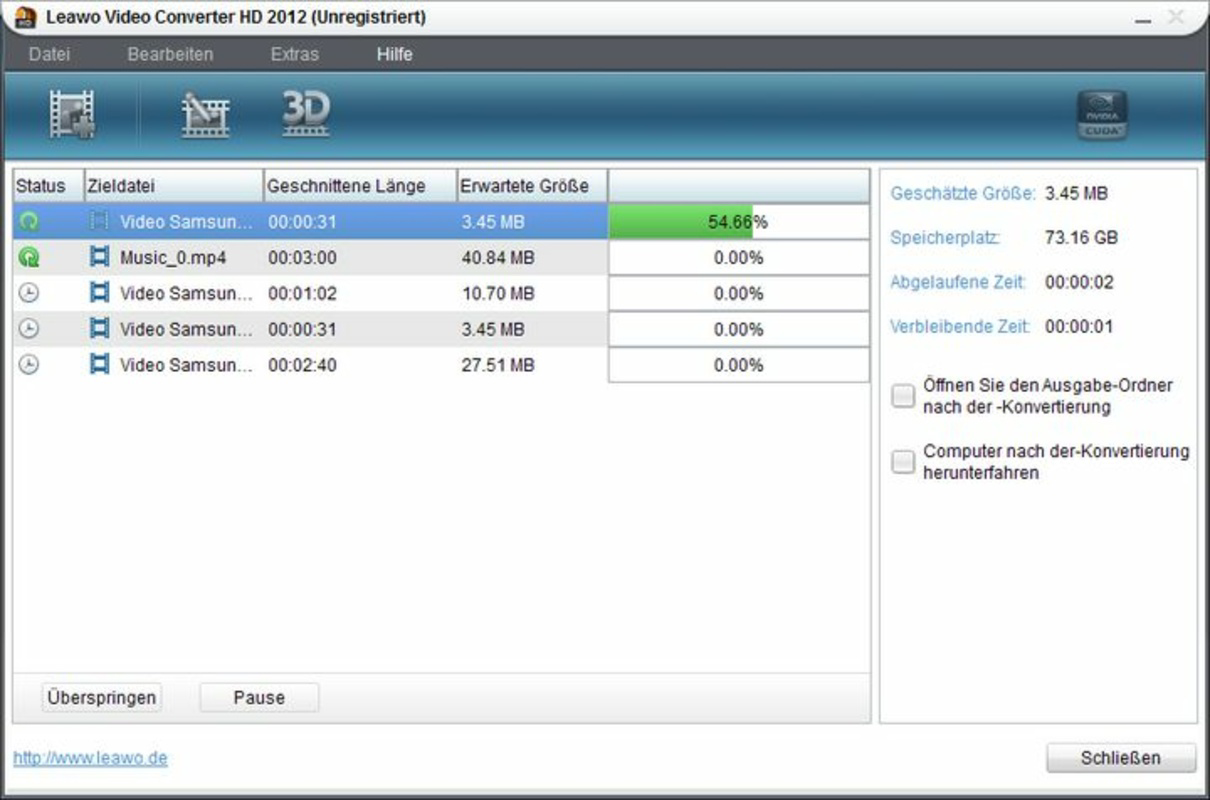
The user interface of Leawo HD Video Converter is designed with functionality in mind, offering a clean layout that organizes tools and settings into logical sections. Navigation is straightforward, with clearly labeled buttons for adding files, selecting output formats, and adjusting conversion parameters. The workflow follows a linear path: import, configure, convert, and export, which simplifies the process for both beginners and experienced users.
Visual elements are minimal but effective, focusing on usability rather than decorative design. Menus are accessible, and key functions are positioned within easy reach. The application responds promptly to user inputs, and file processing is handled efficiently, though the developer did not list formal performance metrics. Although the developer did not list formal performance metrics, the software appears stable during standard conversion tasks, with no reported crashes or freezes during typical usage.
Performance may vary depending on the device’s processing power and available RAM, particularly when handling large HD or 3D video files. However, the application maintains consistent responsiveness across different Windows configurations. Users can expect smooth operation on modern systems, with conversion times scaling proportionally to file size and complexity.
Platform Compatibility & Technical Requirements
Leawo HD Video Converter is available exclusively for the Windows platform. It is compatible with Windows operating systems, though specific version requirements were not listed by the developer. The application has a file size of 66.5 MB, indicating a lightweight installation that does not require significant disk space.
Given its release date in 2012, the software has been in use for over a decade, suggesting it may support older Windows versions. However, compatibility with newer systems such as Windows 11 or Windows Server editions was not fully disclosed. The developer did not specify minimum OS requirements or hardware recommendations, so users are advised to test the software on their system before full deployment.
Pros and Cons
Pros
- Supports a wide range of input and output video formats
- Enables 3D video conversion for enhanced viewing experiences
- Offers aspect ratio customization for optimal display fit
- Allows adding personalized watermarks for branding or protection
- Preserves high video quality during conversion
Cons
- Platform limited to Windows only
- Developer did not provide detailed system requirements
- No mobile or cross-platform availability
- Price point may be high for casual users
- No information on update frequency or future development plans
FAQ
Is Leawo HD Video Converter safe to download and install?
Yes, the software is distributed through official channels and does not contain known malware. However, users should always download from trusted sources to ensure security.
Can I convert 3D videos using this tool?
Yes, Leawo HD Video Converter supports the conversion of standard HD videos into 3D formats, making it suitable for users with 3D-compatible displays.
Is the software compatible with Windows 11?
While the application was released in 2012, compatibility with Windows 11 has not been officially confirmed. Users should test the software on their system for full functionality.
Does Leawo HD Video Converter support mobile devices?
The software is designed for desktop use on Windows. It does not have a mobile version or direct integration with Android or iOS devices.
How often are updates released for Leawo HD Video Converter?
Specific update frequency was not disclosed by the developer. Users should check the official website for the latest version and compatibility information.
Final Thoughts
Leawo HD Video Converter remains a reliable tool for users needing robust video conversion capabilities within the Windows ecosystem. Its ability to handle HD and 3D formats, adjust aspect ratios, and apply custom watermarks makes it a versatile utility for both personal and professional use. While the lack of mobile support and limited system information may deter some users, its core functionality continues to serve a niche audience effectively.
For individuals managing large video libraries, creating content for multiple platforms, or enhancing their home entertainment setup, this software offers tangible value. Its focus on quality output and format flexibility justifies its price for dedicated users.
Download Leawo HD Video Converter now
Guides & Tutorials for Leawo HD Video Converter
How to install Leawo HD Video Converter
- Click the Preview / Download button above.
- Once redirected, accept the terms and click Install.
- Wait for the Leawo HD Video Converter download to finish on your device.
How to use Leawo HD Video Converter
This software is primarily used for its core features described above. Open the app after installation to explore its capabilities.
User Reviews for Leawo HD Video Converter 0
No reviews found


